Turn On X220 with a Broken Power Button
# Introduction
I have a Lenovo ThinkPad X220 that wouldn’t turn on when the power button was pressed. At first, I suspected the issue was with the power button on the keyboard, since the battery indicator light still came on when I plugged in the charger.
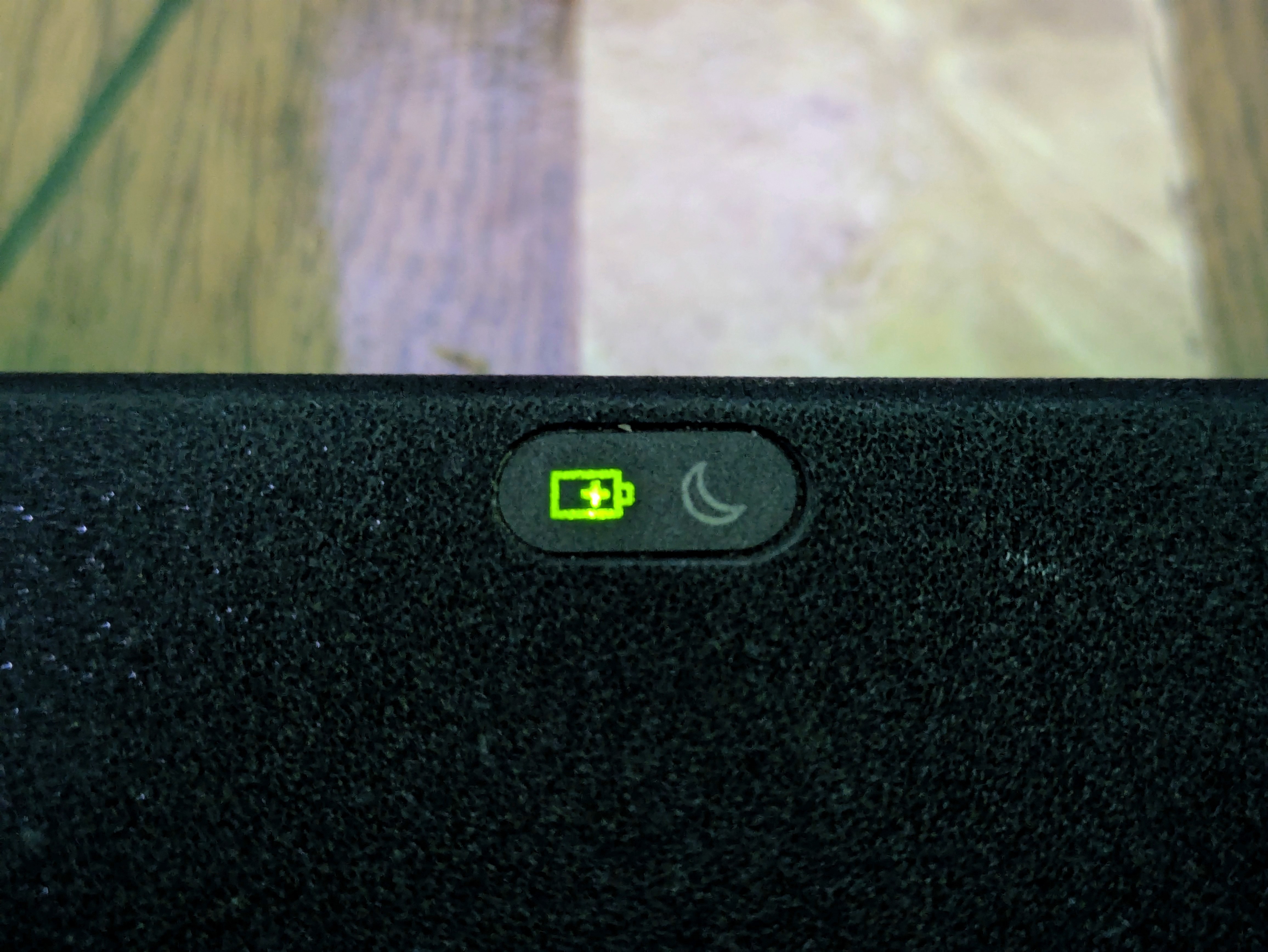
Before purchasing a replacement keyboard, I wanted to confirm that the laptop itself was still functional.
# Shorting the Dock Pins
Alternatively, if you have a docking station, there is a power button on the dock itself.
Since I don’t have a docking station, I used the docking port on the bottom of the X220. Using a flat-head screwdriver, insert it into the EXACT position shown in Figure 2.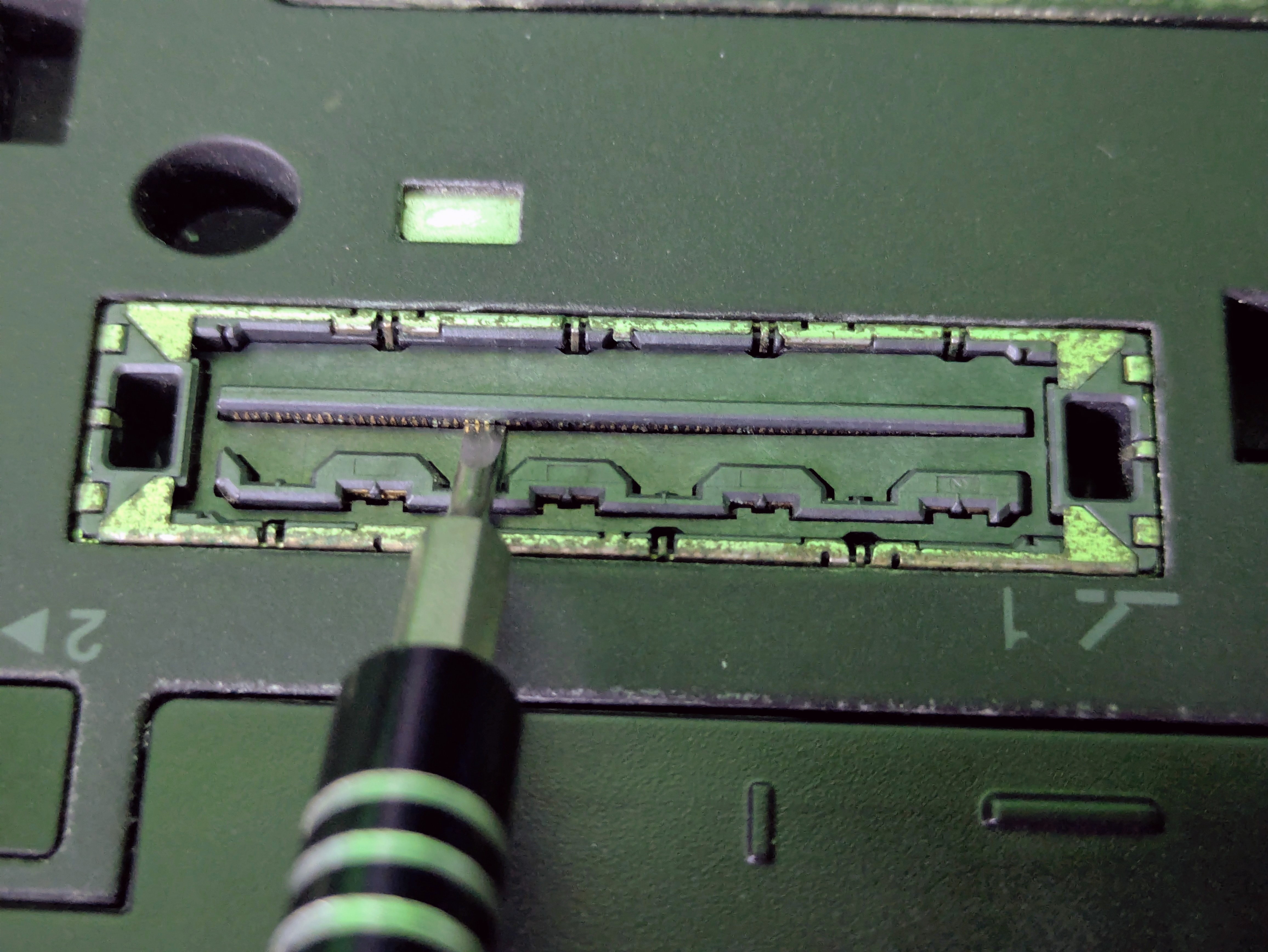
If it still doesn’t turn on, make sure multiple pins are touched at the same time.
For detailed guides, read more in the reference below: